Cold Email Domain Setup: SPF, DKIM, DMARC and Safer Separation
Domain setup is the foundation of outbound infrastructure. The goal is to authenticate legitimate sending, reduce avoidable risk to your primary brand domain, and create a setup you can monitor.
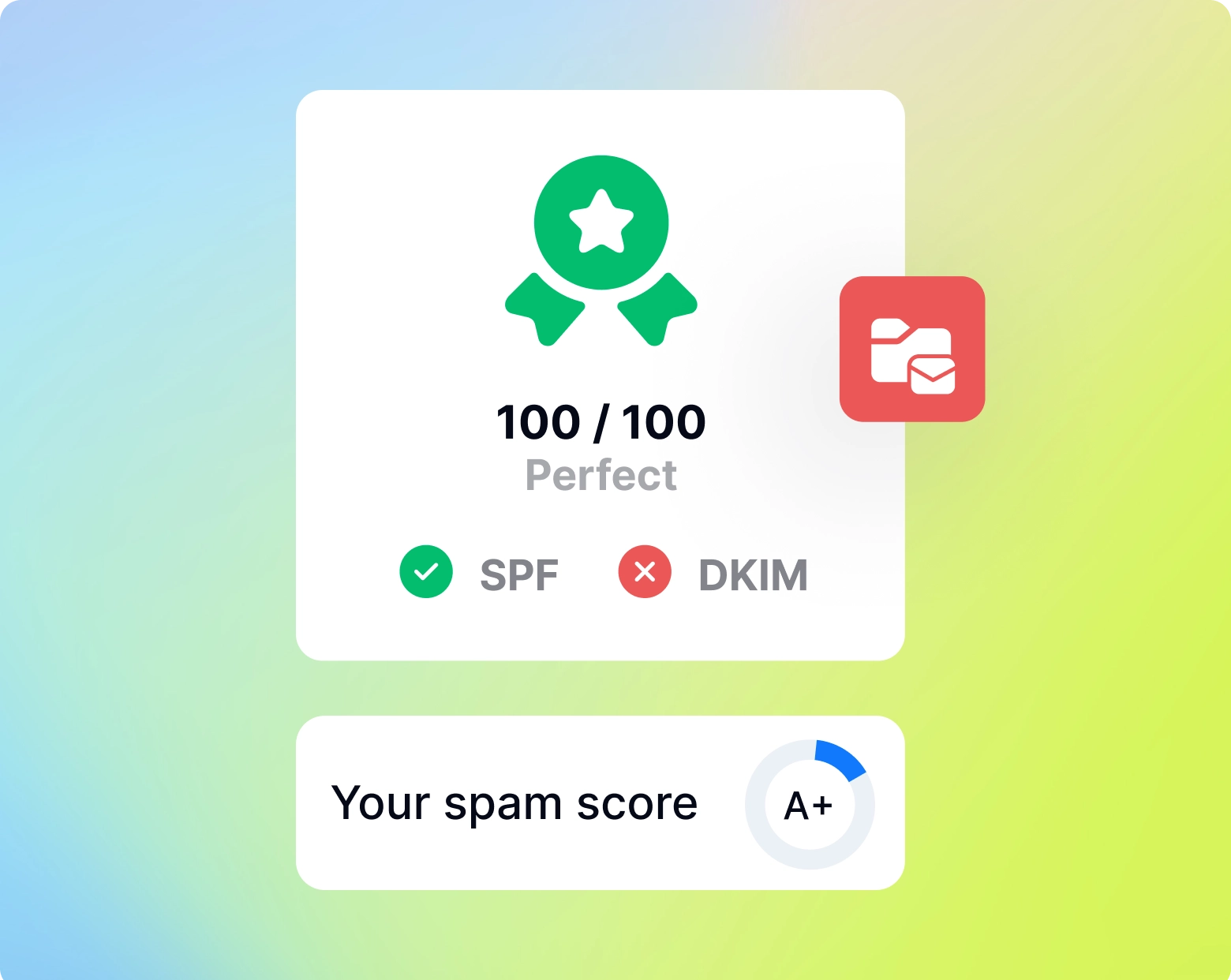
Decide how to separate outbound
Many outbound teams use secondary domains that resemble—but do not impersonate—the main company domain. The exact choice depends on brand risk, legal/compliance guidance, and your mail provider.
Configure SPF
SPF identifies which servers are permitted to send mail for a domain. Keep the record syntactically valid and avoid creating conflicting SPF records.
Enable DKIM
DKIM adds a cryptographic signature that receiving servers can validate. Configure it through the mailbox provider and confirm the DNS record resolves.
Publish DMARC
DMARC tells receivers how to evaluate alignment and where to send reports. Start with a policy appropriate for your environment and mature it carefully rather than copying an aggressive policy blindly.
Test before adding volume
Confirm DNS propagation, mailbox authentication, from-address alignment, reply handling, unsubscribe/compliance flows where required, and that the campaign tool connects through the intended account.
Official Instantly video
This first-party video adds a practical demonstration or deeper explanation to the workflow above. It is supporting instruction, not the reason this page exists.
Cold Email Setup: SPF, DKIM and DMARC for Namecheap & Google — official Instantly YouTube channel.